
Info Box Pro
The Info Box is the popup window that appears when a visitor interacts with a marker on your map. In the Free version, it shows the formatted address. The Pro version unlocks full HTML customization.
Info Box options
| Option | Free | Pro |
|---|---|---|
| Show/hide Info Box | ✓ | ✓ |
| Display formatted address | ✓ | ✓ |
| Open on click or hover | ✓ | ✓ |
| Open by default | ✓ | ✓ |
| Custom HTML content | ✗ | ✓ |
| Max width control | ✗ | ✓ |
Custom content editor
The Pro version provides a full WYSIWYG editor (WordPress's TinyMCE) for the Info Box content. You can add:
- Headings and formatted text
- Images (from your Media Library)
- Phone numbers and links
- Call-to-action buttons
- Embedded shortcodes
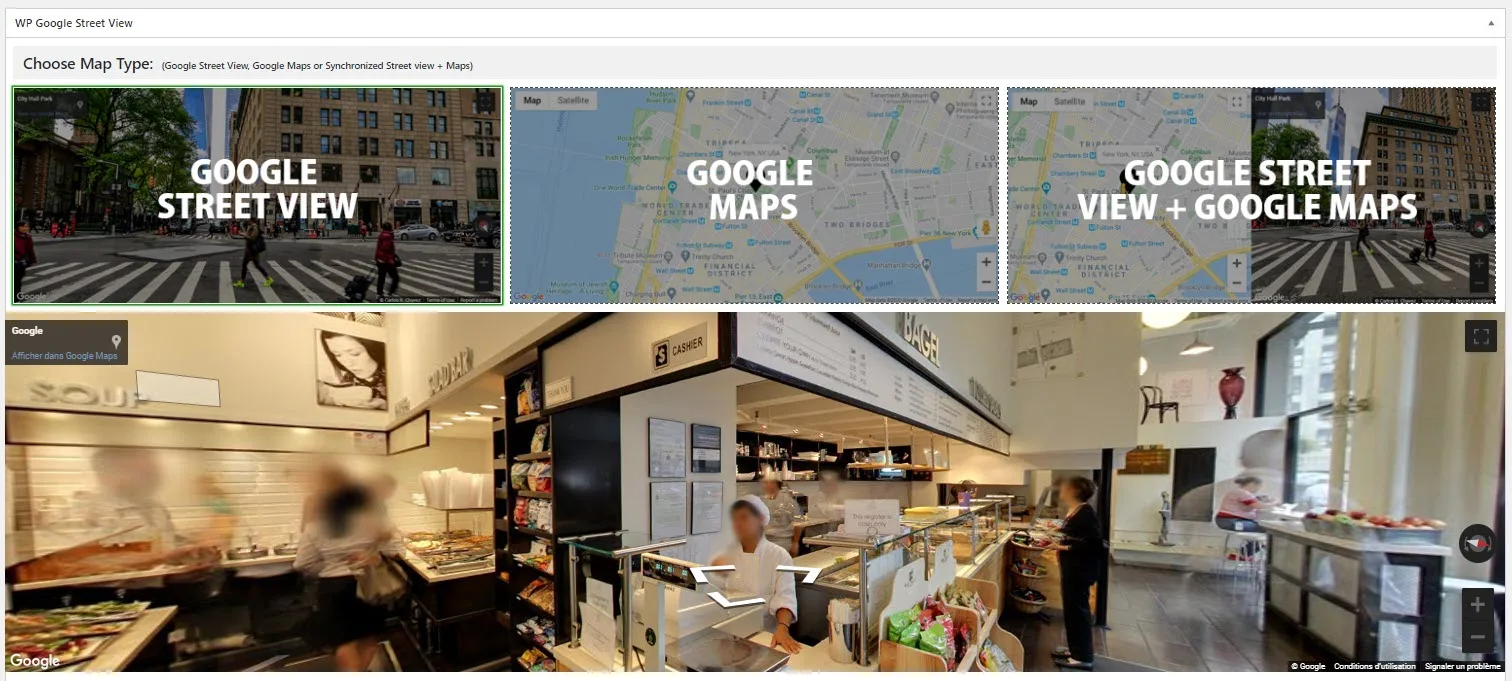
Example: Restaurant Info Box
html
<h3>Frame Gourmet Eatery</h3>
<p>Upscale deli with global prepared foods, sandwiches, desserts, coffee & more for breakfast & lunch.</p>
<p>Phone: <a href="tel:+12122733730">+1 212-273-3730</a></p>
<a href="https://example.com" class="button">Visit our website</a>
Max width control
Set a maximum width for the Info Box to prevent it from stretching across the entire map. This is especially useful on wide-screen displays.
Trigger modes
- Click — The Info Box opens when the visitor clicks the marker (default)
- Hover — The Info Box opens when the visitor hovers over the marker